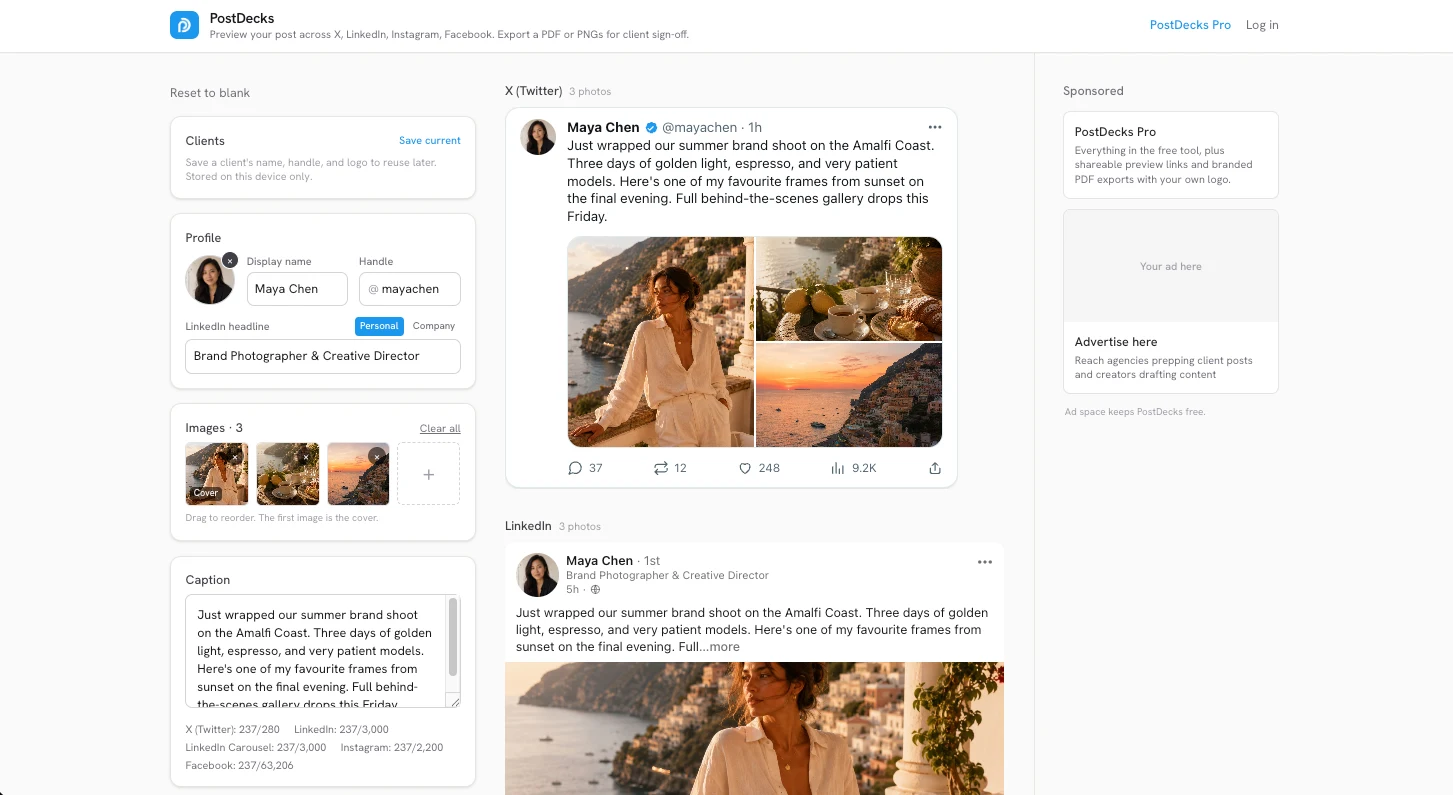
The message every social manager gets
"Can you show us how it'll look on LinkedIn and Facebook?"
A caption with raw images attached to an email doesn't answer that. Neither does asking the client to log into a scheduler just to approve one post. So the approval step, which should take a minute, turns into a thread.
The product
Upload the images and the caption once, and see the post exactly as it will appear across X, LinkedIn, Instagram and Facebook, at the character limits each platform actually enforces.
Getting it approved
What happens after the preview mattered more. Send a link the client can approve or comment on with nothing to sign into, or export a PDF or a set of PNGs. On Pro the exports carry the agency's own logo, not mine, because a sign-off document going to someone's client shouldn't advertise the tool that made it.
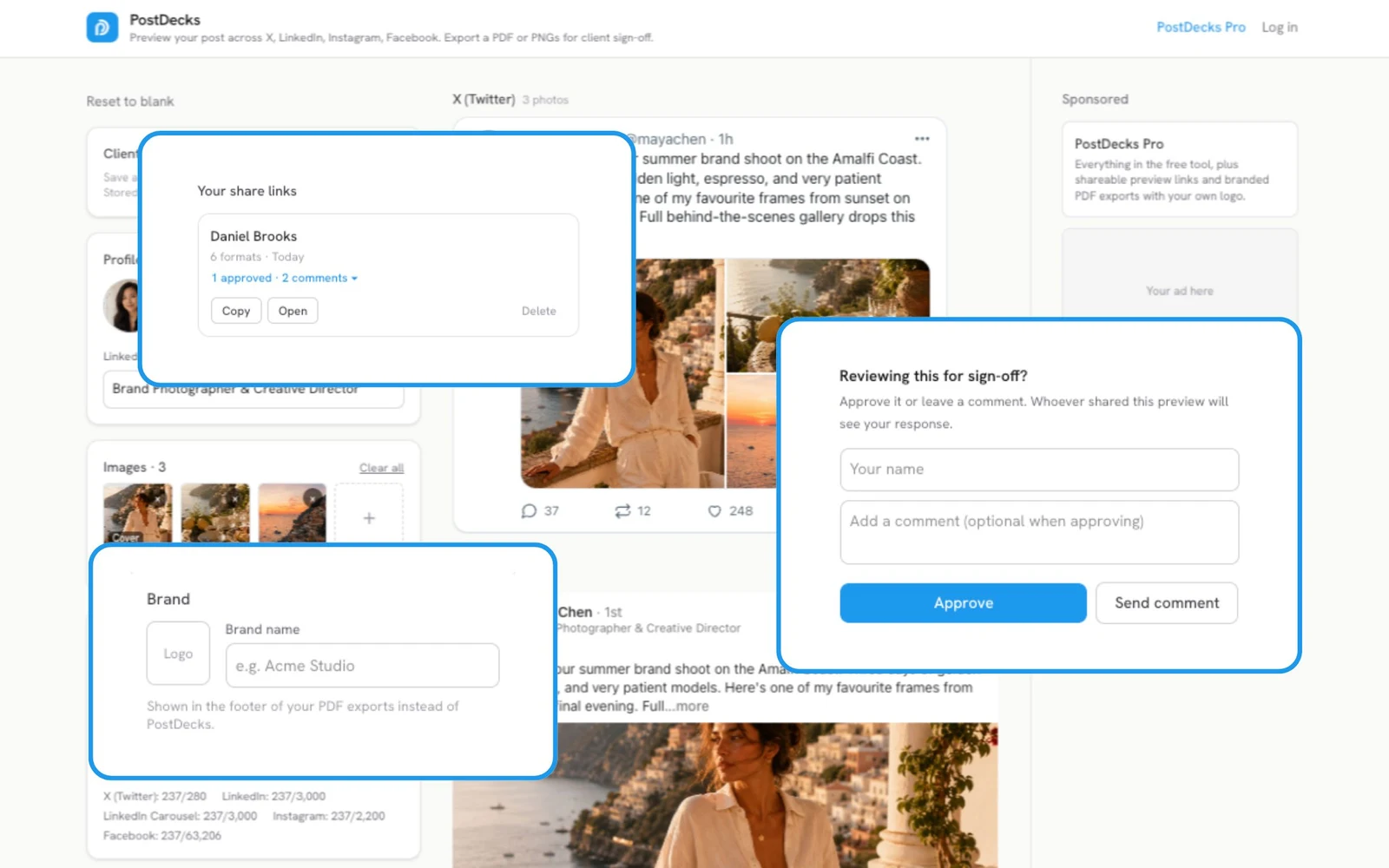
Why it runs in the browser
The preview and the export are entirely client-side. That's a deliberate decision, not a technical shortcut. These are unpublished client assets, and there's no good reason for them to travel to a server just to be previewed. Nothing leaves the browser unless someone chooses to create a share link.
It's the same instinct behind SiteHaul processing locally. If a tool doesn't need your files, it shouldn't have them.
Built solo, shipped, earning
Product design, brand and the whole build. The export pipeline runs on html2canvas-pro and jsPDF, with Supabase and Stripe behind the Pro tier. Free usage is ad-supported, so the freelancers who need it most can keep using it, and Pro stays a choice rather than a gate.
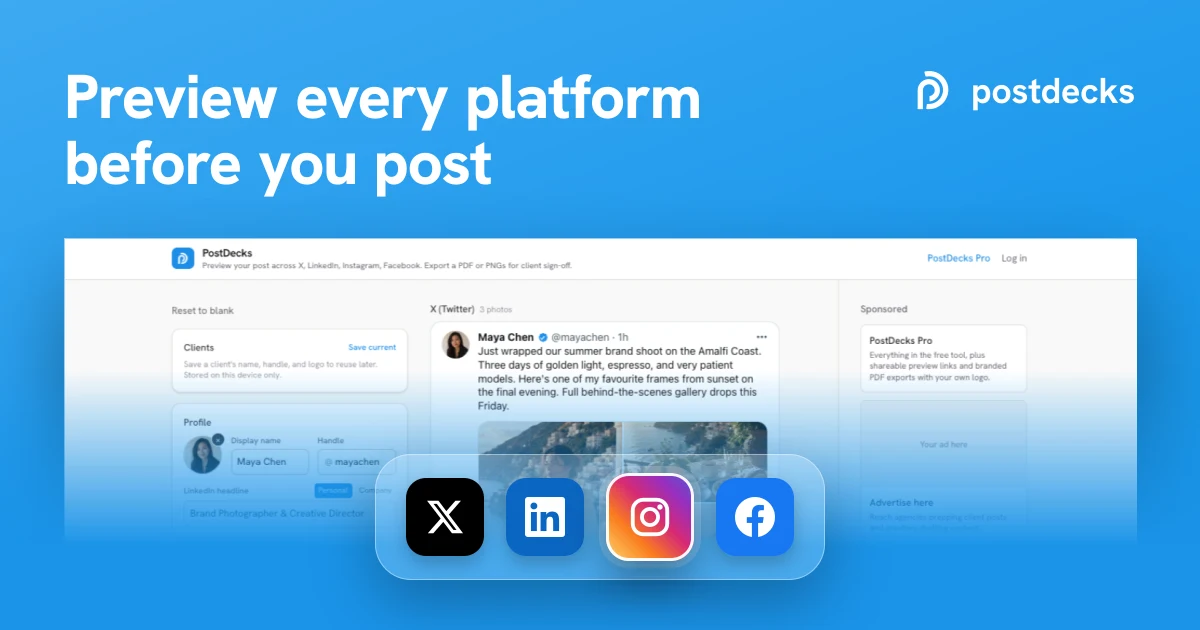
Creator features are next, starting with an Instagram profile grid.